Contact us : contact@digitechgenai.com

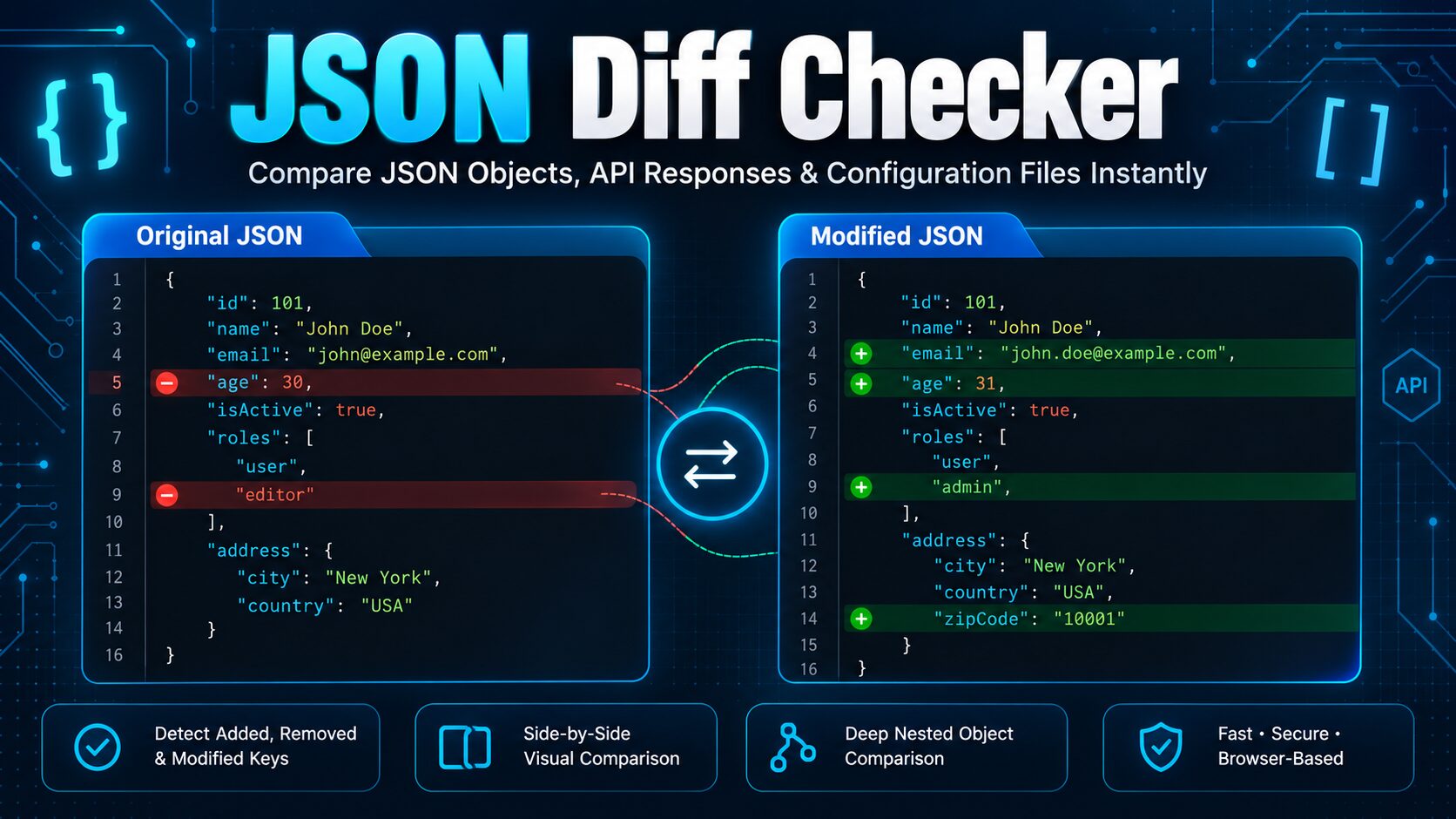

You’ve been here before. Compare JSON files that are supposed to be identical — same API, same endpoint, same data — and your diff tool is screaming that half the document changed. You scroll through a wall of red and green, and after five minutes of squinting, you realise: nothing actually changed. The keys just got reordered.
That’s not a bug in your data. It’s a bug in how you’re comparing it.
Why a “different” JSON file might not actually be different
JSON doesn’t care about order. {"name": "Alex", "age": 30} and {"age": 30, "name": "Alex"} are the same object as far as any JSON parser is concerned — same keys, same values, same meaning. But most basic diff tools don’t parse JSON at all. They treat it as plain text, comparing it line by line, character by character, the same way they’d compare two paragraphs of prose.
That works fine for prose. It falls apart for JSON, because JSON has no fixed “correct” order. An API can return the exact same data on two different calls with the keys in a different sequence, and a text-based diff will report a change that never actually happened.
This is the single most common reason developers waste time on JSON comparisons: the tool is telling the truth about the text but lying about the data.
Text diff vs. semantic diff — the difference that actually matters
There are two fundamentally different ways to compare JSON:
Text diff reads both files as strings and compares them line by line. It’s fast, it’s simple, and it’s what you get from diff the command line or a generic file-comparison tool. It’s also blind to structure — reordering, whitespace, and formatting all register as “changes” even when the data hasn’t moved.
Semantic diff parses both documents first, according to the JSON specification (RFC 8259), and then compares the resulting values — not the text that produced them. Key order, indentation, and minification stop mattering. What’s left is the actual, meaningful difference: a value that changed, a field that got added, and a field that disappeared.
If you’re debugging an API response, validating a config file, or checking whether a data migration preserved everything it should have, semantic diff is what you want almost every time. Text diff has its place — reviewing a code change in a pull request, for instance — but for structured data like JSON, it produces more noise than signal.
The three kinds of “false positive” that waste the most time
Once you know to look for semantic differences instead of textual ones, three specific patterns explain most of the frustrating comparisons developers run into:
1. Reordered keys. Two objects with identical data, different key order. Extremely common when comparing responses from the same API across different requests, since many backends don’t guarantee key ordering.
2. Reordered arrays. Trickier than reordered keys, because array order sometimes does matter (a list of steps, a sorted result set) and sometimes doesn’t (a set of tags, an unordered collection of records). A tool that treats every array positionally will flag a shuffled list of IDs as a wall of changes when, really, nothing was added or removed — everything just moved.
3. Moved objects within an array. The hardest case. If an array holds a list of objects — say, users or line items — and one object moves from index 2 to index 5, a naive positional comparison won’t recognise it as “the same object, moved”. It’ll report the object at index 2 as removed and a different object as added, even if they’re actually the same record with one field changed. The fix is matching array items by an identifying field (like id or uuid) instead of by position, so the same object is compared to itself no matter where it ended up.
A practical workflow for comparing JSON files without the noise
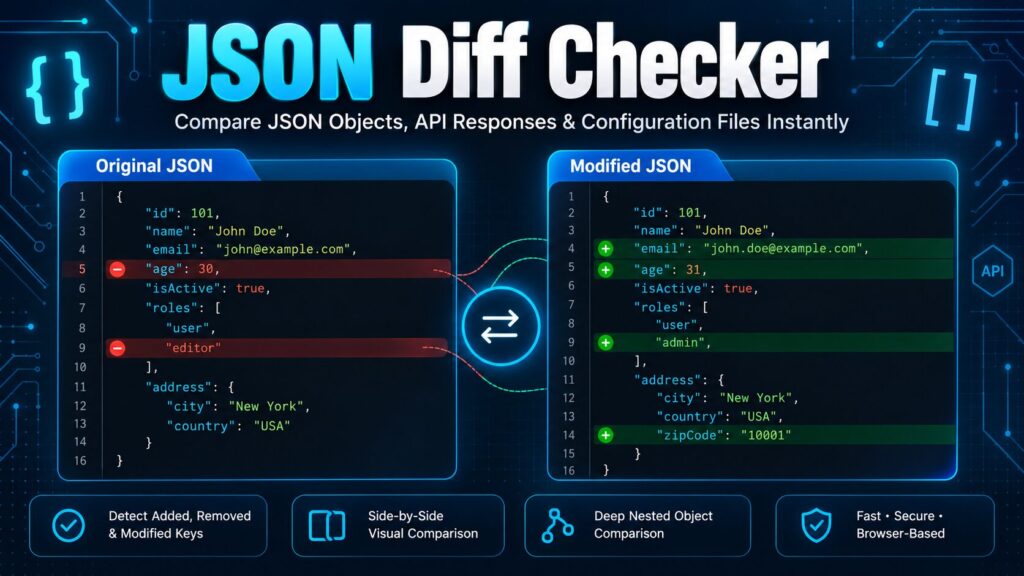
Compare JSON files
- Format both files first. Minified JSON on one side and pretty-printed JSON on the other will look wildly different in a text diff even if the data is identical. Run both through a JSON formatter before comparing, or use a tool that formats automatically.
- Validate before you diff. If either file has a syntax error — a trailing comma, a missing quote — you’ll get confusing or incomplete results. A quick pass through a JSON validator catches this in seconds and saves you from debugging a comparison problem that was actually a syntax problem.
- Use semantic comparison, not text diff. Reach for a tool that parses the JSON before comparing, so key order stops being noise.
- Decide whether array order actually matters for your data. If it doesn’t (a set of tags, an unordered list of records), turn on an “ignore array order” option if your tool has one. If your data has objects with IDs, matching by ID instead of position will save you from the “moved object” problem entirely.
- Exclude fields that change on every request. Timestamps like auto-generated IDs and request-tracing fields will show up as “changed” on every single comparison even when nothing meaningful happened. If your tool supports an ignore list, use it — it turns a noisy diff into a useful one.
- Once you’ve found the real differences, clean up before shipping. If you’re preparing a JSON file for production, run it through a JSON minifier afterward to strip the formatting back out.
When this actually matters in day-to-day work
- API debugging. Comparing what staging returns against what production returns to figure out why a client app is behaving differently in one environment.
- Regression testing. Confirming that a code change didn’t accidentally alter an API’s output — QA teams do this constantly, and false positives from key reordering are one of the most common reasons a “failing” test isn’t actually a real failure.
- Config auditing. DevOps teams track whether a configuration file changed between deployments, where the actual concern is “did any value change”, not “did the file’s byte layout change”.
- Data migration validation. Confirming a transform or migration script didn’t silently drop or alter a field — something a positional text diff is especially bad at catching reliably.
The takeaway
If your JSON comparison tool is reporting differences that don’t make sense, the tool is very likely the problem, not your data. Text-based diffing is the wrong tool for a format that doesn’t have a canonical order. Once you switch to a comparison that actually understands JSON’s structure — parsing before comparing, matching arrays intelligently, and letting you exclude fields you don’t care about — most of that noise disappears, and what’s left is the difference you actually needed to find.
Try it yourself: our free JSON Diff Checker does semantic comparison by default — it ignores key order, can ignore array order or match array items by ID, and lets you exclude fields like timestamps from the comparison. Runs entirely in your browser, nothing is uploaded, and there’s no signup required.